
TL;DR: Teams do not usually turn off ai agent customer support because it replies too slowly. They turn it off because, in exception cases, it answers confidently and incorrectly: delivery anomalies, refunds at the policy boundary, a policy that changed last week, or one message that contains both a complaint and a question. The safer pattern is not “let the bot solve everything faster.” It is agent drafts, human approves, knowledge is restricted to reviewed documents, handoff is obvious, and success is measured by outcomes such as 48-hour repeat contact rate and escalation rate rather than deflection alone.
Opening Thesis: Teams Turn Off AI Support Because It Gets Exceptions Wrong
For SaaS and ecommerce teams already using or evaluating AI support, the failure pattern is becoming clearer: speed is not the main reason AI support gets disabled. Trust is.
A fast wrong answer is worse than a slow correct one when the answer changes the customer’s next action. If an AI agent says a delayed shipment is “still on track,” rejects a refund that should be escalated, quotes an old cancellation policy, or ignores the complaint half of a mixed message, the customer does not experience automation. They experience abandonment.
That distinction matters because many AI support rollouts still optimize for first response time and ticket deflection. Those are useful operational signals, but they do not prove the customer’s issue was resolved. If the user closes the widget, searches the footer, finds an email address, and repeats the same story, the widget did not deflect a ticket. It delayed one.
Industry reports from Salesforce State of Service, Zendesk Customer Experience Trends, and Intercom’s customer service trends research all point in the same direction: AI is becoming normal in support operations, but customer expectations around accuracy, continuity, and access to help are rising at the same time. The design question is no longer “Can an AI answer?” It is “When should it not answer alone?”
Original Quote Table: What Users Are Complaining About in Communities
The quotes below come from a small qualitative review of community discussions from September to October 2026. They are not Knocket testimonials, and they should not be treated as representative statistics for all merchants or SaaS teams. They are useful because they name the failure modes operators are already seeing.
| Original quote | Source | What this points to |
|---|---|---|
| “it's off because it's confidently wrong more often than it's right” | r/shopify, 2026-09 | The trust problem is not silence; it is confident misinformation. |
| “the business context behind it may be stale” | r/smallbusiness, 2026-09 | Policies, pricing, inventory, and internal rules change faster than the bot’s context. |
| “Usually the failure mode is not the first reply, it is the edge cases.” | r/shopify, 2026-09 | Common FAQs work; exceptions create operational risk. |
| “keep the bot narrowly scoped to drafting answers from approved docs… a human should approve anything uncertain” | r/SaaS, 2026-10 | Surviving setups use draft-then-approve rather than full autonomy. |
| “how do you measure whether the widget is actually deflecting tickets vs just frustrating users who then go find your email anyway” | r/nocode, 2026-10 | Deflection metrics can hide channel-switching and delayed contacts. |
In the reviewed sample of 124 posts, “not ready to fully delegate AI support” appeared in 58 items, with 35 of those being help-seeking posts. Treat that as directional community evidence, not as a market-wide benchmark.
Failure Mode: The First Reply Is Fine; Exceptions Break the System

Most AI support failures do not start with a completely absurd first answer. The first answer is often acceptable because it is generated from the cleanest part of the support universe: public FAQs, onboarding docs, return policy pages, and help center articles.
The trouble starts when the customer is not asking a clean FAQ.
A normal ecommerce question looks like:
“Where is my order?”
An exception looks like:
“Tracking says delivered, but the photo is not my building. This was a birthday gift and I paid for expedited shipping. Can you refund the shipping fee or resend it today?”
A normal SaaS question looks like:
“How do I cancel my subscription?”
An exception looks like:
“We downgraded yesterday after your pricing email, but the invoice still shows the old seat count. I also need to know if SSO remains active until the end of the billing period.”
The first type can often be answered from documentation. The second type requires judgment, account context, current policy, and sometimes an exception-handling rule that is not public.
Four properties make these messages risky for autonomous AI replies:
- Multiple intents: The customer asks a question, makes a complaint, and requests compensation in one message.
- Policy boundaries: The answer depends on whether the case is inside or outside a refund, warranty, SLA, or cancellation rule.
- Fresh context: The answer depends on a recent price, shipping, product, or policy change.
- Customer-specific facts: The answer requires order data, plan data, usage history, location, or prior support context.
An AI agent can sound fluent while missing one of those constraints. That is why “confidence” is dangerous: the customer cannot easily tell whether the answer was retrieved from approved policy, inferred from stale text, or guessed from similar language.
Why “80% of Tickets Automated” Is a Weak Metric
“Automated 80% of support tickets” sounds impressive, but by itself it is a weak metric. It often measures what happened inside the support tool, not what happened to the customer.
A ticket can disappear from the widget for at least four different reasons:
| What happened | Looks like deflection? | Actually resolved? |
|---|---|---|
| The AI answered correctly and the customer left satisfied | Yes | Yes |
| The customer gave up and searched for email | Yes | No |
| The customer opened a new ticket in another channel | Yes | No |
| The customer accepted a wrong answer and later churned, refunded, or complained publicly | Yes | No, with delayed damage |
The dangerous case is channel-switching. If a visitor fails in chat, then finds support email, Telegram, a contact page, social DM, or a community forum, the support dashboard may count the chat as “resolved.” The business still pays the cost later. The cost just moved.
Better metrics ask whether the issue stayed solved:
- 48-hour repeat contact rate: Did the same user contact again about the same issue within two days?
- Escalation rate after AI interaction: Did AI conversations later require human intervention?
- Refund or cancellation after support contact: Did the support answer prevent or accelerate negative outcomes?
- Policy correction rate: How often did a human need to correct what AI already said?
- Channel-switch rate: Did users leave the widget and contact the team elsewhere?
A mature ai agent customer support setup does not celebrate deflection without checking these downstream signals.
Exceptions Most Likely to Break AI Support
The risky categories are predictable. Before turning AI back on, map where your business creates exceptions.
Delivery anomalies
Ecommerce delivery issues are messy because the visible tracking status is often not the truth. “Delivered” can mean delivered to the wrong building, stolen, signed by someone else, held by a carrier, or prematurely scanned.
AI should not independently decide whether to resend, refund, blame the carrier, or deny the claim unless the policy is explicit and the required data is available.
Refund boundaries
Refund rules look simple on a policy page but become complicated in practice:
- subscription renewal happened yesterday;
- product was used but defective;
- customer missed a return window by one day;
- promotion price changed after purchase;
- a partial refund is allowed, but only under specific conditions.
These are not merely “support answers.” They can create financial and legal commitments.
Recently changed policies
A stale knowledge base is one of the most common causes of confident wrong answers. If your shipping cutoff, trial length, plan limits, cancellation terms, or prices changed last week, an answer grounded in last month’s page can be harmful.
This is especially relevant for SaaS teams that adjust packaging and pricing frequently while searching for product-market fit.
Mixed-intent messages
Customers rarely format support questions like test prompts. A single message may contain:
- anger about a previous experience;
- a direct question;
- a request for compensation;
- a threat to cancel;
- a technical detail;
- an account-specific exception.
If the AI only answers the direct question and ignores the emotional or operational context, the conversation can deteriorate even when the literal answer is correct.
Surviving Configurations: Draft, Approve, Restrict, Handoff, Measure Outcomes
The AI support setups that survive tend to make a design choice: they use AI to reduce writing and triage work, not to remove human accountability from uncertain cases.
1. Agent drafts, human approves
In a draft-then-approve workflow, the AI produces a suggested answer. A human checks it before it reaches the customer when the message touches risk categories such as refunds, billing, delivery disputes, plan limits, legal terms, account actions, or angry complaints.
This keeps the productivity gain: the operator does not start from a blank page. But it avoids the worst failure mode: a fluent but unauthorized answer sent directly to the customer.
2. Knowledge is limited to reviewed documents
Do not let the agent improvise from every page, changelog, old blog post, and internal note. Use a smaller corpus of approved support documents.
A practical rule:
| Content type | Safe for AI drafting? | Notes |
|---|---|---|
| Current FAQ approved by support lead | Yes | Review on a fixed schedule. |
| Public docs with version labels | Usually | Watch for deprecated pages. |
| Pricing page | Yes, if current | Recheck after every pricing change. |
| Internal Slack decisions | No | Too ambiguous and stale. |
| Old marketing posts | Usually no | Often contain outdated claims. |
| Refund exception notes | Draft only | Human approval required. |
3. Human handoff is explicit
A handoff should not feel like a trapdoor. Customers need a visible way to ask for a person, and the system must preserve the conversation history. If the customer has to repeat the order number, complaint, and previous AI answer, the handoff failed.
4. The scope is narrow
A narrow agent is safer than a broad one. Good scope statements sound like:
- “Draft answers only from approved support docs.”
- “Do not decide refunds.”
- “Escalate delivery disputes.”
- “Ask for missing order ID, but do not promise reshipment.”
- “If policy confidence is low, route to a human.”
Bad scope statements sound like:
- “Handle all customer support.”
- “Reduce human tickets as much as possible.”
- “Answer in a friendly tone.”
- “Use all available context.”
5. Success is measured by outcomes
Use deflection as a secondary number. The primary scorecard should include 48-hour repeat contact rate, escalation rate, correction rate, CSAT where available, and channel-switching behavior.
If automation rises and repeat contacts rise with it, you did not improve support. You compressed the first step and expanded the cleanup.
The Contact Layer: A Human Path Makes Draft-Then-Approve Work
Draft-then-approve depends on a reliable fallback: the customer must be able to find a human route at the moment the AI should stop.
That fallback is the contact layer. It is the visible, low-friction surface where a customer can say, “This is not covered by the standard answer. I need a person.”
A weak contact layer creates two bad outcomes:
- The AI keeps answering because no human route is obvious.
- The customer leaves the widget and hunts for email, social DMs, app store reviews, or community posts.
One community quote captures the opposite failure: “Live chat no one joins the chat.” That is not an AI problem. It is a promise problem. If your interface says live chat, but nobody can respond or collect context for later, the customer learns not to trust the channel.
A good contact layer does three things:
- shows a clear “contact a human” or equivalent path;
- collects enough context when the team is offline;
- keeps the conversation history so the human does not start cold.
For small SaaS and ecommerce teams, this can be more important than adding another automation rule.
Where Knocket Fits: A Visible Human Contact Entry, Not an AI Auto-Reply Tool
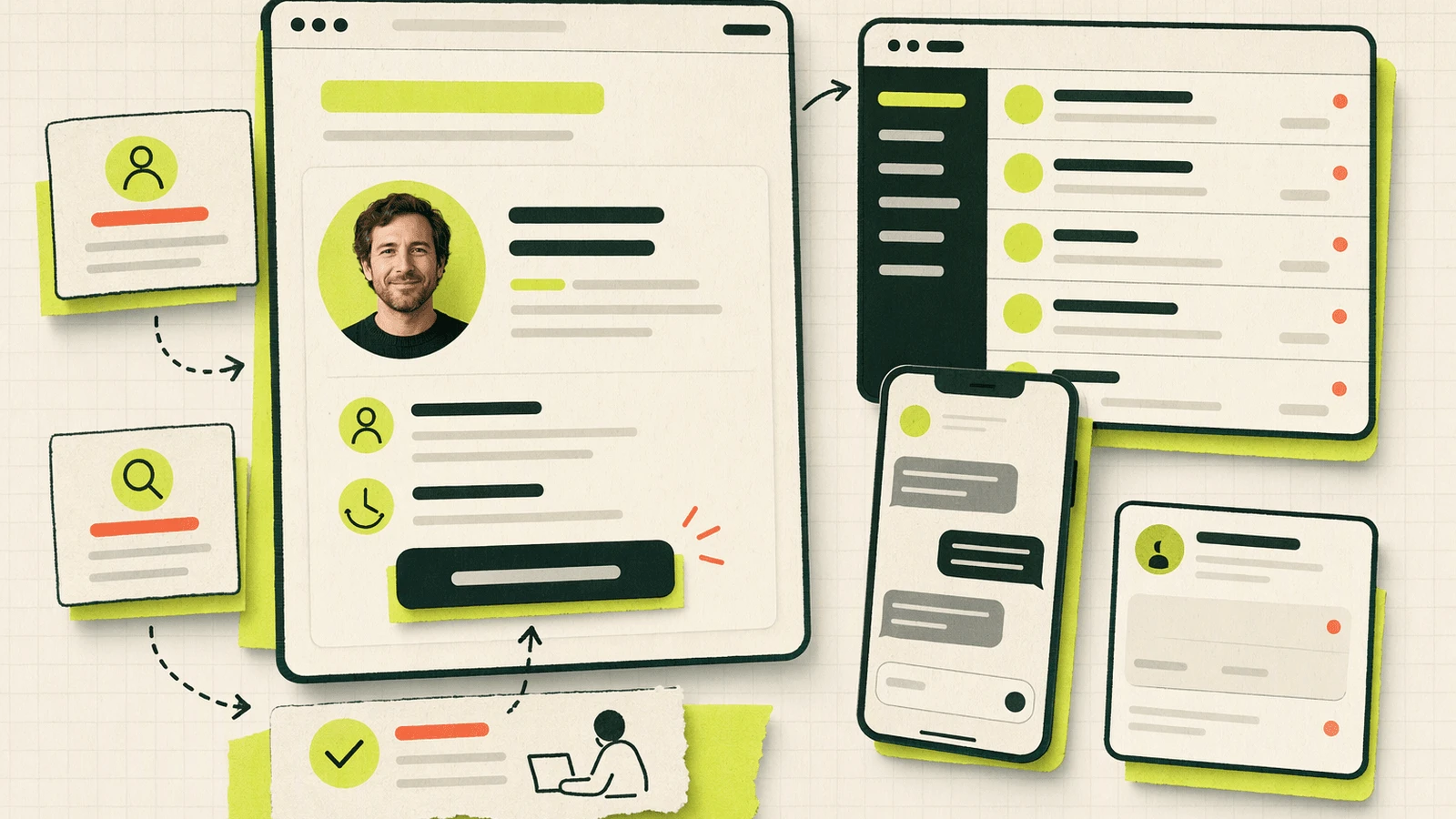
Knocket fits this design as a lightweight contact layer: a way to keep a person reachable from a website, app, or shareable contact page. It is not positioned here as a replacement for tools such as Intercom, Zendesk, or Tidio, and this article is not arguing that one product category is “better.” The point is the design choice: keep a human path visible when AI should not answer alone.
Knocket provides visitor entry points such as Web Widget, Contact Page, and Mobile Widget, with conversations handled in a unified inbox. Teams can use the Knocket installation console to add a website contact entry, manage conversations in the unified Inbox, reply from a phone through the H5 Inbox, and publish a shareable page from Contact Page management. Owners can also start from the Knocket registration entry.
In this workflow, Knocket’s role is simple: make sure there is always somewhere for the customer to go when automation should stop. Knocket does not provide AI automatic replies in this design. It is the “someone can be found” layer that supports draft-then-approve, human review, and offline context capture.
For teams that care about keeping the contact path lightweight, the core contact experience is priced as 100% free · no card · forever and is Powered by Tencent RTC.
5 Checks Before Turning AI Support Back On
Before re-enabling ai agent customer support, run this checklist. Do it in writing; if the answers are vague, the system is not ready.
- Write down the five highest-frequency customer questions. For each one, decide whether it is safe for AI to answer directly, safe only as a draft, or must go straight to a human.
- List the topics it must never answer alone. Include refunds, billing adjustments, delivery disputes, cancellation exceptions, legal terms, security issues, account deletion, and anything that commits the business financially.
- Check knowledge dates against recent business changes. Compare the last update date of your support docs with the most recent pricing, shipping, plan, trial, refund, and policy changes. If pricing changed after the docs were reviewed, pause autonomous answers on pricing.
- Make the “contact a human” path visible. Test this as a customer. Can someone find it from the widget, website, app, checkout flow, account page, or contact page without guessing?
- Pick one outcome metric and watch it for a month. Start with 48-hour repeat contact rate or escalation rate. Do not optimize the prompt every day without a stable metric; you will not know whether the system improved.
FAQ
Is speed still important in AI customer support?
Yes, but speed is not the main trust metric. A fast answer helps when the answer is correct and complete. In exception cases, a fast wrong answer increases support cost because a human later has to repair the mistake and rebuild trust.
What is the safest first use of ai agent customer support?
The safest starting point is usually drafting, not autonomous sending. Let the agent summarize the issue, propose an answer from approved docs, and flag missing information. A human approves or edits the response before it reaches the customer.
Which issues should always trigger human approval?
Refund exceptions, billing disputes, delivery anomalies, account security, legal or compliance questions, cancellation edge cases, angry complaints, and any answer that promises compensation or changes account status should require human approval.
Why is ticket deflection not enough as a success metric?
Deflection only shows that the customer did not continue in that channel. It does not prove resolution. If the user later emails, opens another ticket, complains publicly, or contacts sales to get help, the original interaction was not truly deflected.
What should we measure instead of deflection rate?
Use outcome metrics: 48-hour repeat contact rate, escalation rate, correction rate, reopened conversation rate, refund-after-contact rate, and customer satisfaction where you have enough volume to trust the signal.
How often should AI support knowledge be reviewed?
Review it whenever pricing, shipping, refund, packaging, onboarding, trial, or product limits change. For fast-moving SaaS teams, a calendar review is not enough; business changes should trigger knowledge review.
Does draft-then-approve remove the productivity benefit of AI?
No. It shifts the benefit from “no human involved” to “human starts from a better draft.” The time saved comes from summarization, retrieval, wording, and triage, while the human still owns judgment in uncertain cases.
Where does a contact layer help most?
It helps when the customer’s issue falls outside the safe AI scope. A visible contact layer gives the user a human route, captures context when the team is offline, and prevents the support widget from becoming a dead end.
Conclusion: This Is a Design Choice, Not a Product War
The practical lesson is not that AI support tools are good or bad. The lesson is that support systems need boundaries.
AI works well when the question is common, the knowledge is current, and the answer does not require judgment. It becomes risky when the customer is in an exception: delivery dispute, refund boundary, stale policy, mixed intent, or account-specific context.
The teams that keep AI in support usually do not ask it to own the whole relationship. They use it to draft, summarize, retrieve, and route. They restrict its sources. They require human approval for uncertainty. They measure repeat contacts and escalations, not just deflection. And they keep a visible human contact path so customers are never trapped behind a confident wrong answer.
If your next step is making that human path easier to find, try Knocket at https://knocket.trtc.io/.